Recent additions (221-260):
v221
In this version I've added the selectedText and SelectedChunk commands.
put the selectedChunk of field "myfield"
 -- would return char x to y of the selected text in the field
 put the selectedText of field "myfield"
 -- would return the actual string of selected text in the field

I then added the put the curve command curve example-2. This can be used to plot a curve from point A to point B, and you can vary the accentuation of the curve.
I also added shape addition and subtraction for points of a graphic. As well as creating interesting shapes, this can be useful for terrain generation in games.
All of this is covered in the documentation on page 114.
v222
In this version I've added controlAtLoc(x,y) and the inverseAngle property. This is explained on page 116 of the documentation.
v223
Added the scrollBarDrag event for scrollbars:
on scrollbarDrag
   put the thumbPosition of me into field "output"
 end scrollbarDrag
I also added controlWithinRect:
put the controlWithinRect(myRect) into myObjects
 -- returns a list of all the objects within this rect.
 -- filter out undesired objects with:
 filter myObjects without "*Name*"
This is handy for interactive object types, or situations where you might want to use it for games.


It's now possible to hide and show groups too using:
hide group "myGroup"
 -- or
 show group "myGroup"
I also added physics calculation (or the start of), and added pivotPoints and massPoints. gravity-and-mass example.

Testing position and rotation via fields and variables: fix-pos-and-rot.
This is detailed on page 116 of the documentation and onwards.
v224
Added the click at command:
click at 20,20
 click at the loc of button "test"
Simulates a mouse click (mousedown, then mouseup).
Added the copy and paste keyboard shortcut for objects when in edit mode.
Added an 'Align' option. You can find this when in edit mode. (Right-click on an object and you will have alignment choices):

You can now fully control menu popup buttons via script.

You can also get the HTML formatting of any field object -- try it with this table stack 2 (set to a table, then click on the 'put html' button).
Links now properly get saved in version 224 to stack JSON files, and are restored on stack open.link-test-2. No special scripting needed to make the hyperlink appear after a stack load. Testing here with multiple formatting and adding links at the same time.
Added the controlWithinObject for more accurate collision detection.

Added to the gravity-and-mass detection -- now supports colliders, collision events, and rigidbodies.
More information and specifics on page 117 of the documentation (and onwards).
v225
Added quite a bit this time around, as usual I've updated the documentation (page 119 and onwards).

Here's a live demo of changes and additions in version 225 of webtalk.
v226
Numerous improvements, and a bug fix (page 123 of the documentation).

A live demo of changes in version 226 of webtalk.
v227
A couple of bug fixes to do with text editing (page 124 of the documentation).
Added block commenting:

Expanded try-catch errors support.

v228
Extended support for other modifier keys, re-added and revised the AST expression parser (from v133 beta), and added the Among keyword (page 125 of the documentation).
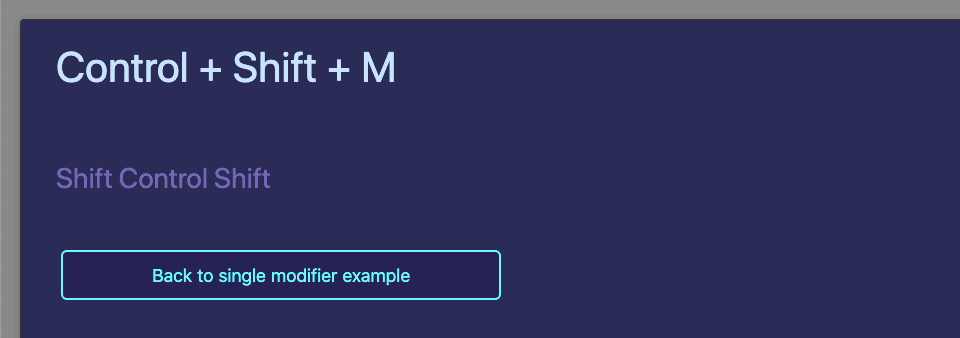
Expanded modifier keys demo.
v229
Implemented the message path, added rotation of groups (page 126 of the documentation).
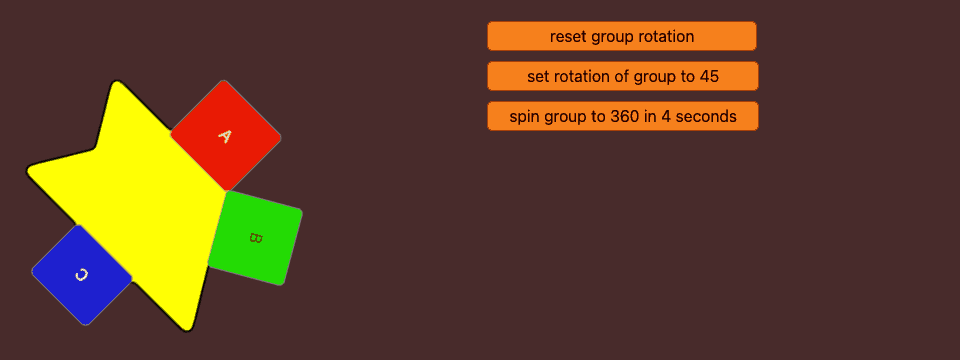
Live demo of custom handler following the message path, group rotation, abbreviated terms, and the prevent close property (along with openstack message).
v230
Added functions to Webtalk. Also added the ability to apply image masks, and added support for text colouring in fields to mimic the script editor formatting
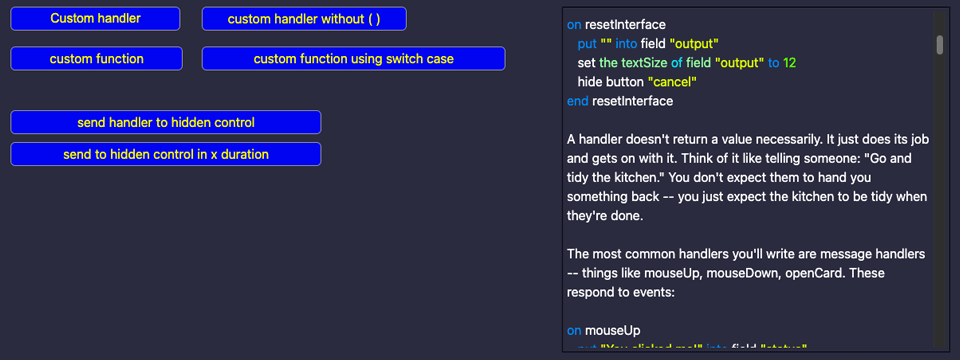
Live demo of Handlers and Functions and Applying a mask to images.
Documentation updated (page 127).
v231
This time, I've added the find command and the paramcount for handlers and functions.
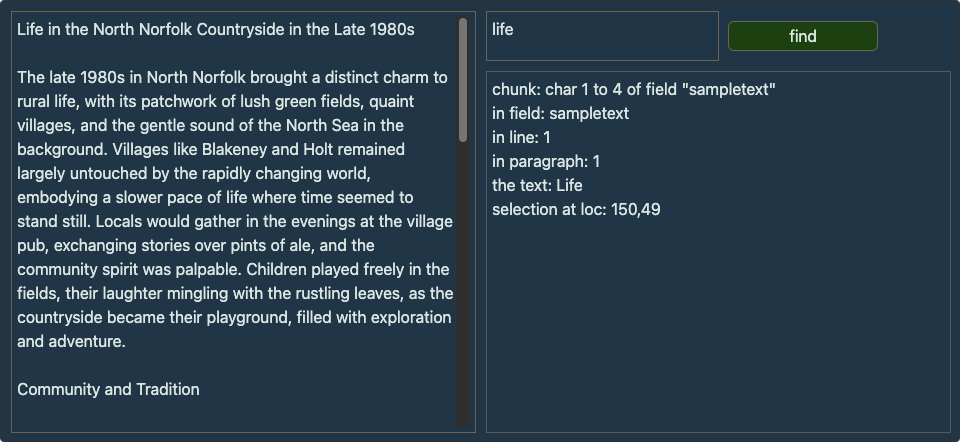
Live demo of the find command and example using the paramCount.
Documentation updated too: (pages 127 and 128).
v232
A few bug fixes, and a few additions.
Fixes for the visual effect when a script error occurs, additions to sound playback abilites, fixes to autotab in fields, allowed custom handlers to be less restrictive with parameters, expanded the select command with synonyms, and lastly - introduced a direct shell.py through the cgi-bin localhost method (download that stack here, instead of live-demo'ing it).
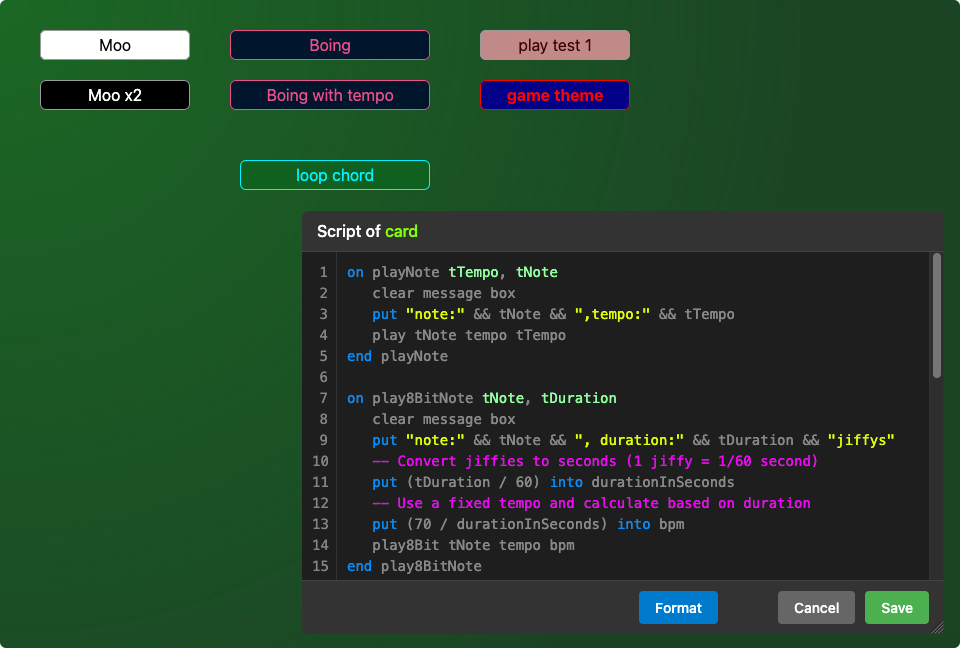
Documentation updated too: (page 129).
v233
A few bug fixes, (as detailed on page 131 of the documentation) and a new addition: the mirror image command.
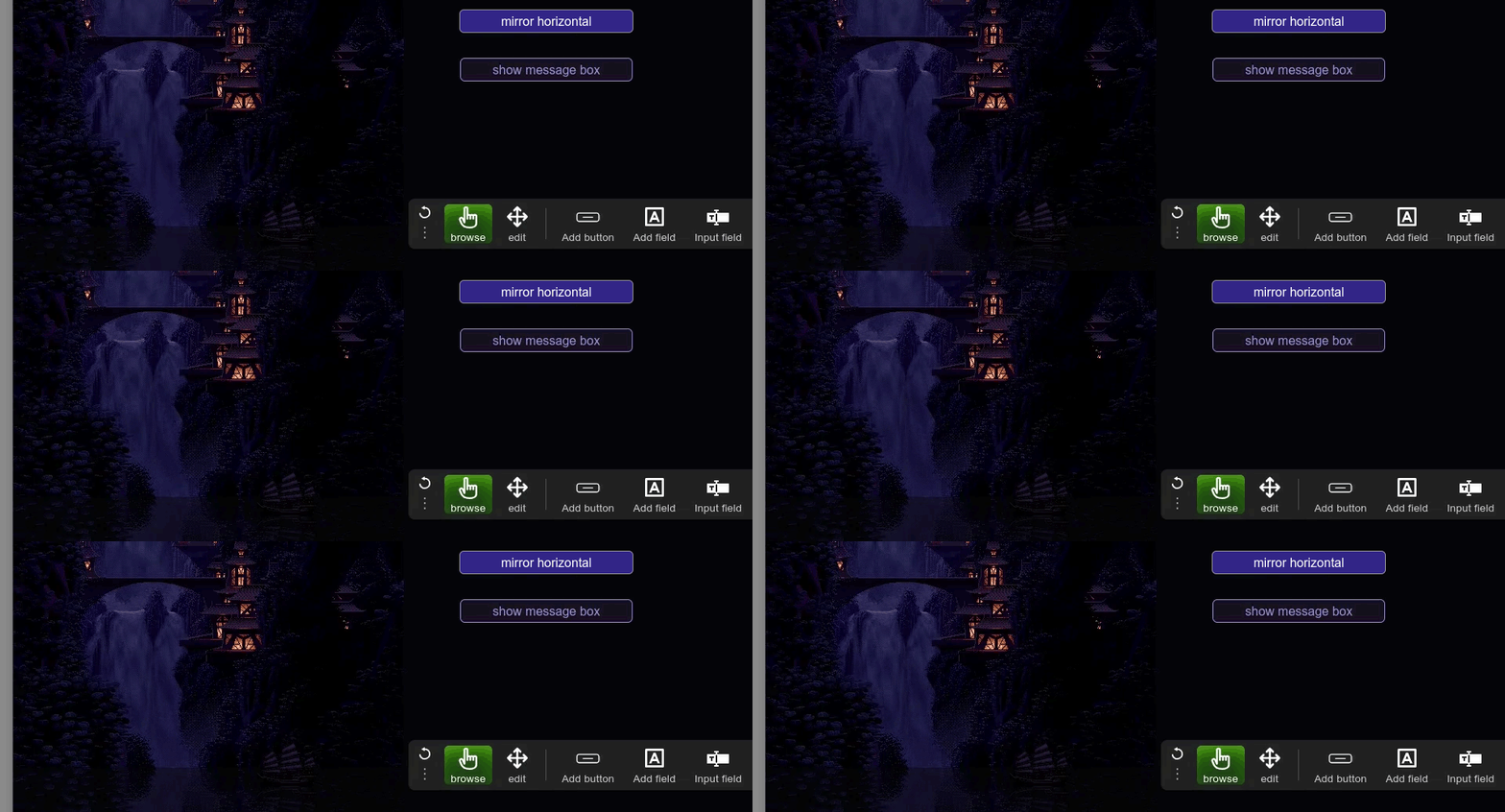
v234
In this release, I've expanded line referencing to be a bit more fuzzy, added move to points command, referring to objects using parentheses, and lastly added the notify command for sending browser notifications.
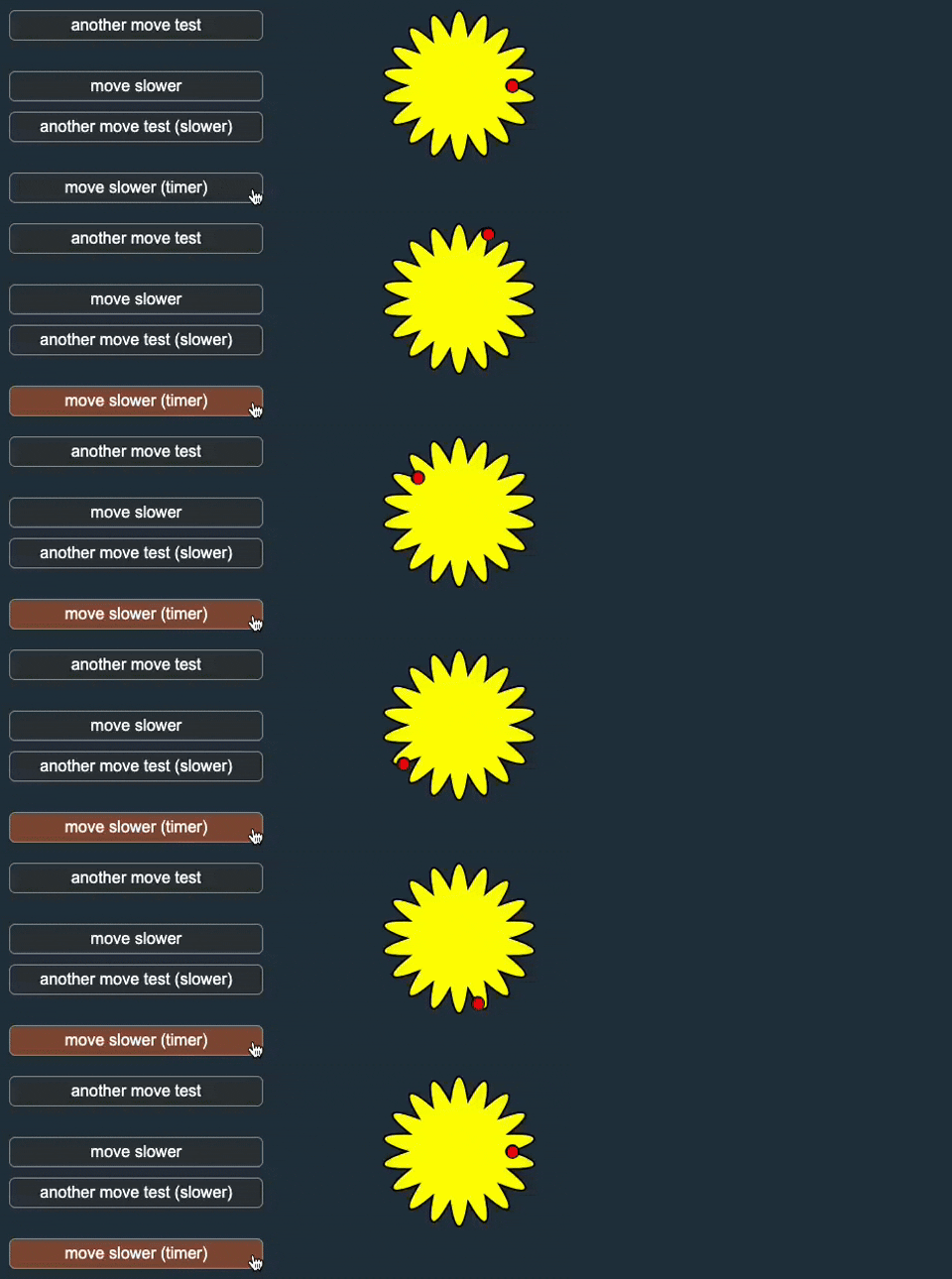
Covered on page 132 of the documentation
v235
This week, I've added gradient-fills which can be set on buttons, graphics, and the background of fields:
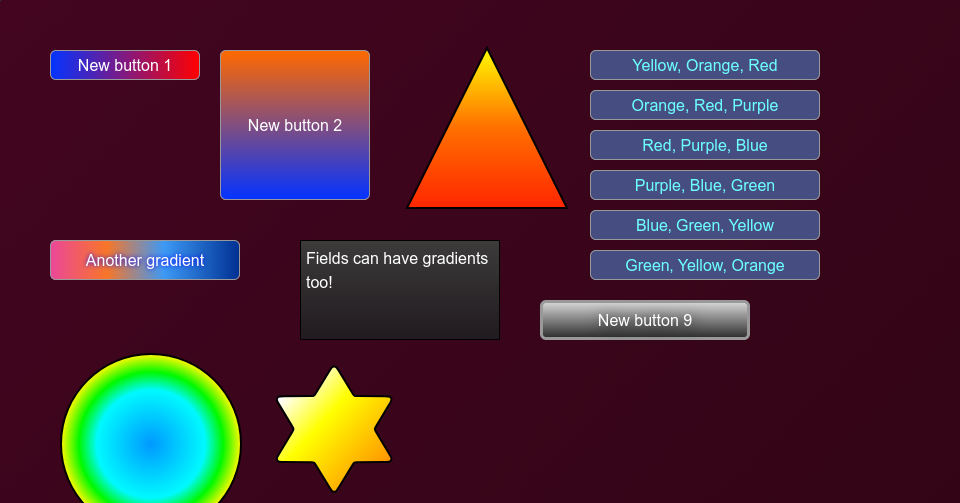
This is detailed on page 133 of the documentation
v236
In this version, the following has been added: encryption and authentication, exponential commands, and other bits. There's quite a lot to cover, so this is all detailed on page 134 of the documentation
v237
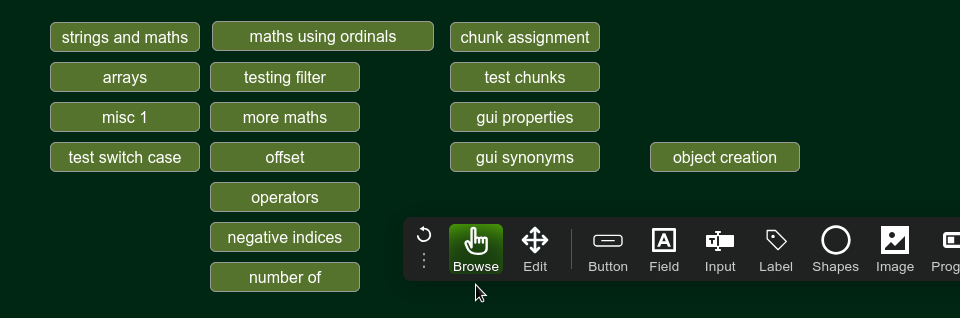
This week, my changes are shown in this stack: Additions in v237 and documented on page 137 of the documentation
v238
This week, there's been quite a lot added, and it's probably easier to read page 138 of the documentation, however here are some examples showing the changes: Answer image, hiliteColor, text-editing, and a few other bits.

v239
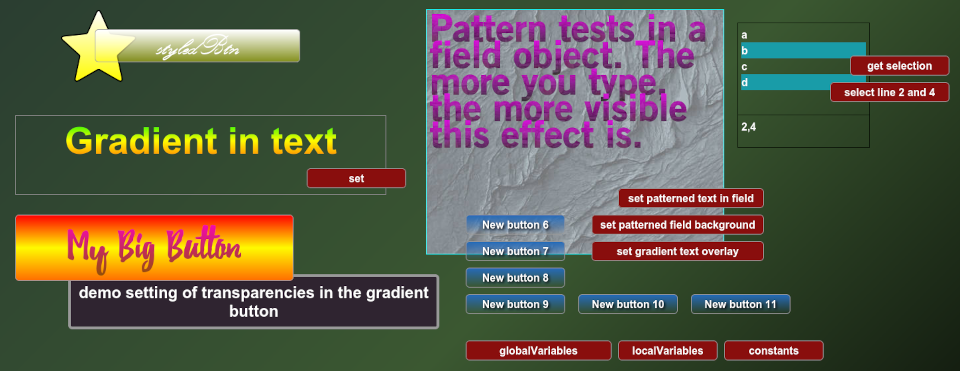
I've been busy with gradients and patterns this week: Additions in v239 and documented on page 140 of the release notes
v240
This time, changes are shown here: Additions in v240, 3d-rotate and documented on page 141 of the release notes. Please do not forget to refresh your browser page cache (see tip at bottom of this page)!
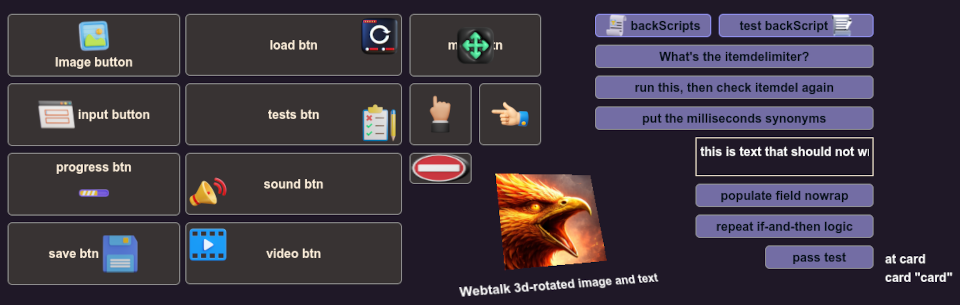 Also fixed a bug with the Button generation.
v241
Just a relatively small addition in this version: barcodes.
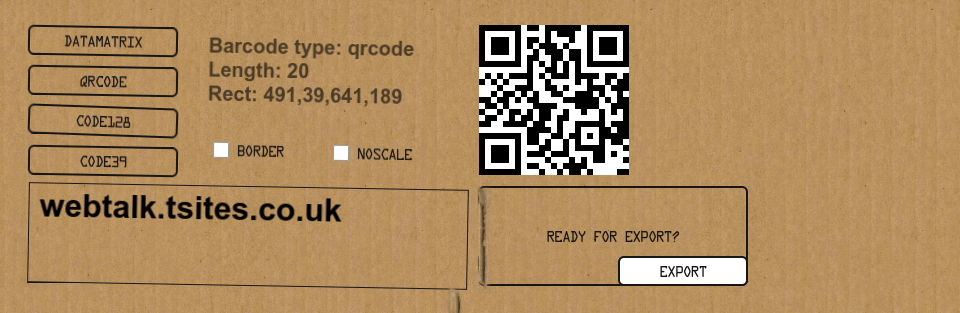
(Have also added a 'noscale' parameter too, to prevent any antialiasing)
v242
In this version I've added support for progress bar dialogs, changing the 'selectedColor' of list fields, and fully user customisable alert dialogs.
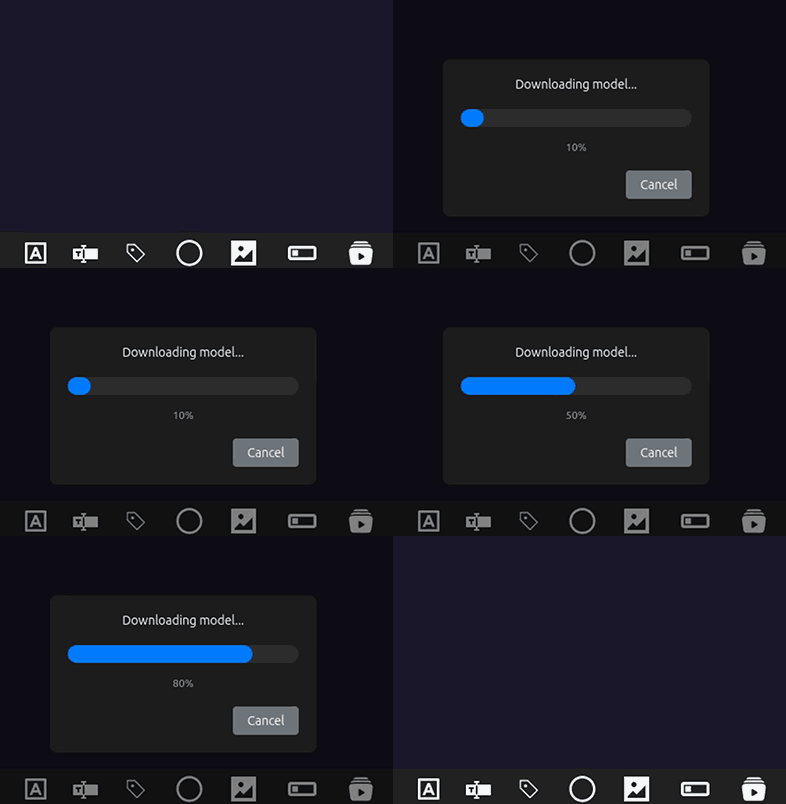
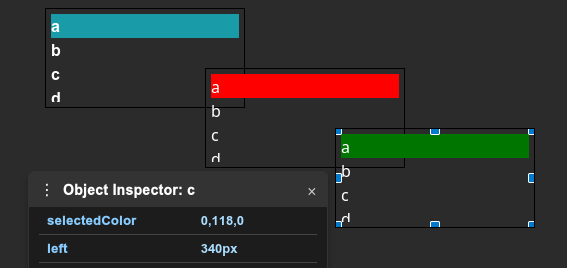
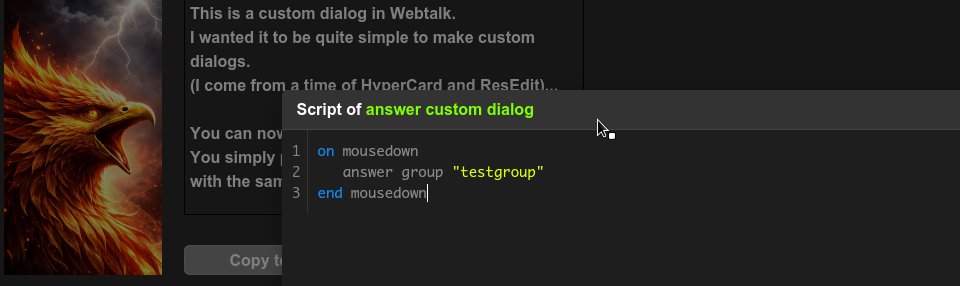 All documented on page 143 of the release notes
v243
This week, I've added these things in v243 (buttons with different types of borders, gradient fill for borders), and spinner progress dialog. You can also right-click in edit mode on a graphic, choose "Edit points", and edit the points of the graphic.
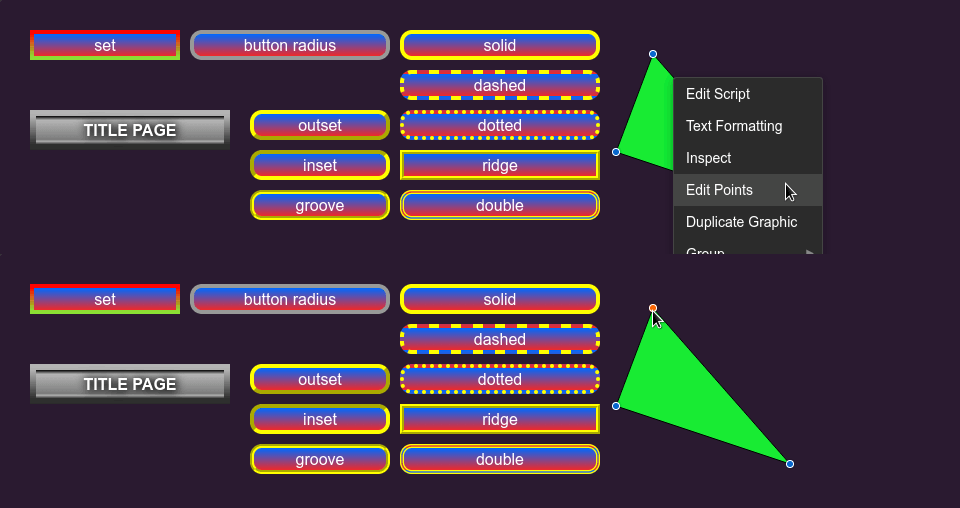
I also added the ability to export sounds: exporting sounds back to wav files.
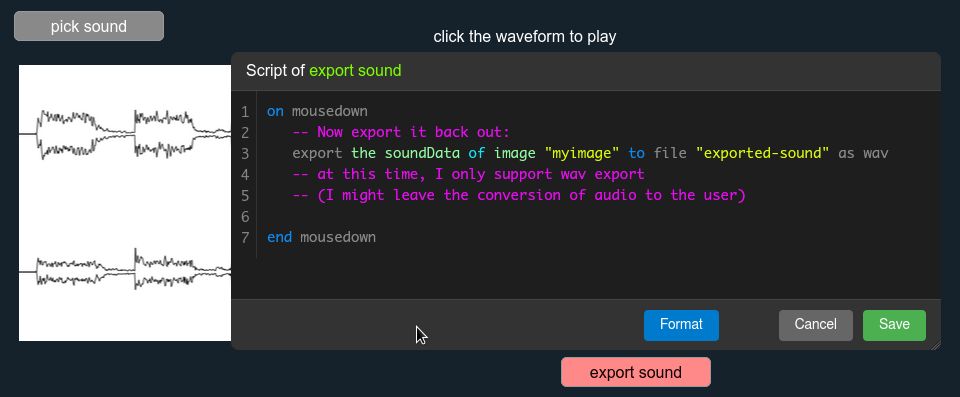
I also added an example of setting, editing, and referencing a handler in the backscripts.
Page 145 of the release notes.
v244
Quite a few things added again this week: (page 146 of the release notes).
scalefactor and turtle graphics,peel and waterdrop. Also, the backscripts support simplified loading and setting up, so the whole process is easier. I've also increased the compression level when saving wts files. Please read the documentation notes on page 146 for further details regarding these changes.
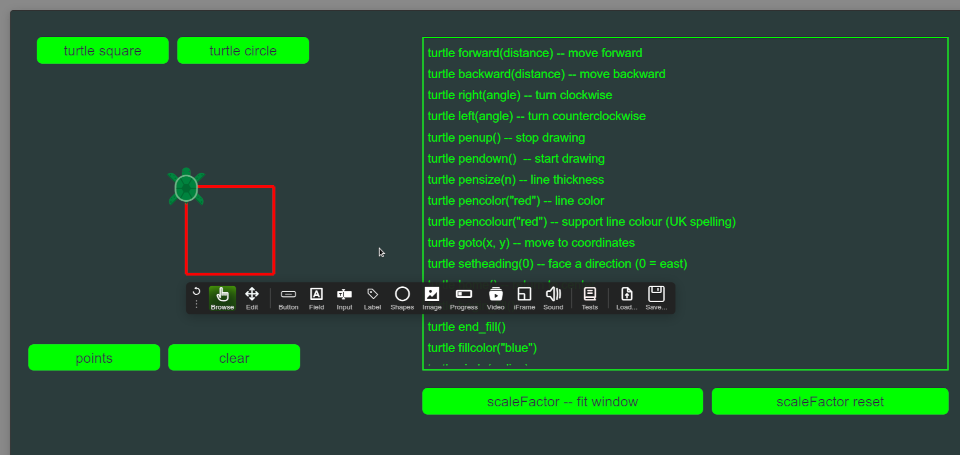
I should mention, you aren't stuck with having to use a turtle. This stack demos how you'd swap it to a snake instead.
Also, (almost forgot!): I updated the wrappers to version 244 as well.
v245
Added guides:
.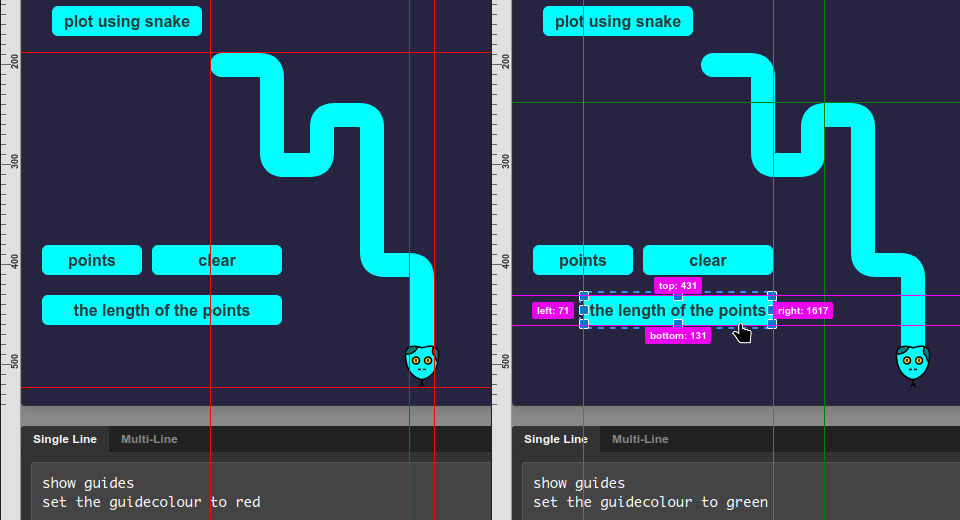
To invoke this, you simply run:
show guides
Oh, there's one more thing: I started working on a geometry palette too.
It's very beta at the moment, but gives you an idea. It has a few things I've yet to work out how to do, but I will refine this in the next couple of versions.
When you click on one of the lines, it first changes to red. This means it's fixed in position. If you click it again, it should change to be cyan. A Cyan line indicates that it will be resized proportionally with the stack window. You can also set the minimum width and minimum height too.
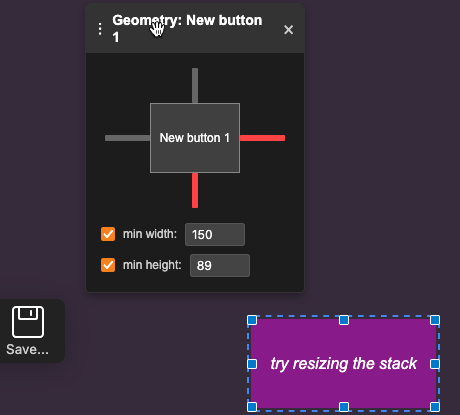
To open the geometry palette:
show geometry
v246
Modified the geometry palette further:
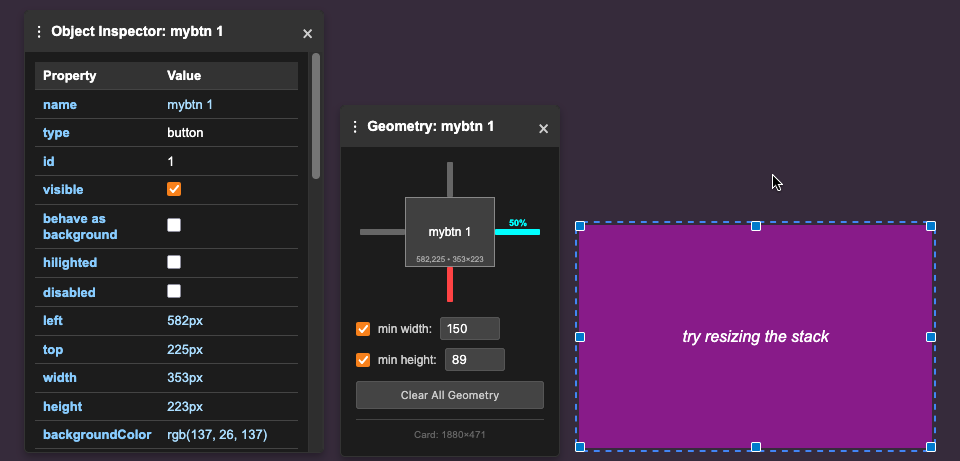
I've added tooltips and refined the UI slightly, while also fixing some bugs (objects shouldn't jump about now). This being a GUI feature, I've not really documented it yet, but I will mention it in due course. This is working towards fully adaptive layouts, so stack elements can be resizable based on the user's screen size. This version is more of a checkpoint release: just to give a point to regress to if I mess something up (I'll get onto version 247 fairly quickly).
v247
Most of this week, I've been working on the soundtrack system for webtalk:
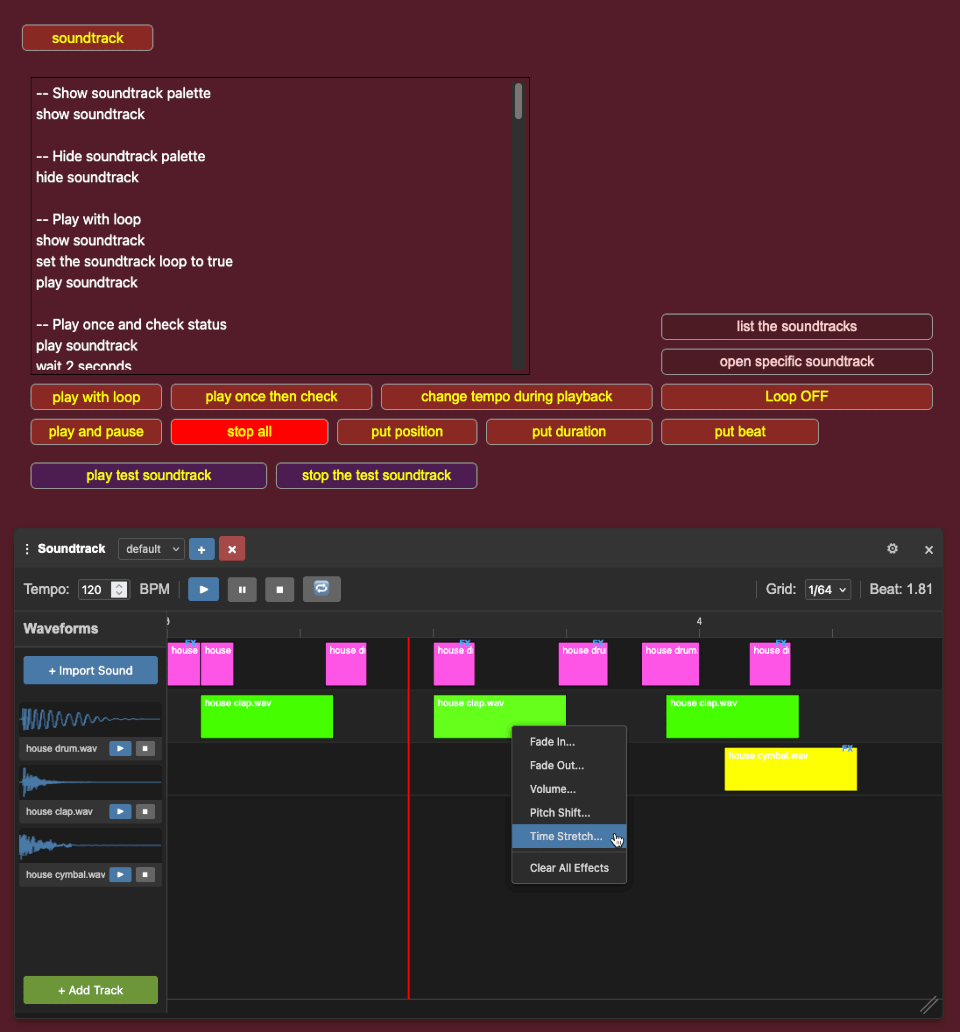
There's lots to cover about this in the documentation, but the easiest way is probably just to try it out. Of course, it's fully scriptable and can be controlled via a set of webtalk commands and syntax. I also detailed those on the example stack.
v248
I've added an animation palette to webtalk.
This all starts on page 150 of the documentation. answer file, find in field, answer menupick, answer group draggable, expandedRect, unicode tests. (I had a week off, which is why the large amount of progress this time around).
v249
This week, it's mostly been about bug fixes (and there have been a lot), however there's also some additional new features and goodies too!
This is best explained by reading page 153 of the documentation, but here are some examples: arrayPropertyExample, clickthrough, controlDidMove, hideScriptEditing, modifier-keys-by-platform (allKeysUp), propertyChanged, repeat loops (bug fix), resizeControl message, and variable-scoping (bug fix).
v250
Not much to visually show with this update. It's all behind-the-scenes fixes to repeat loops, else, and if statements. I did add a few little goodies though: you can now shift-click the edit tool to move groups around the card. I also fixed a few other little bugs, then started creating "testing-page3" so that I can debug and check graphical UI elements in Webtalk easier. Page 155 of the documentation.
v251
New in this version is the addition of the saturation command, the type and typingRate, and support for the imageSource command.
 Plus there were additional fixes made to the visual-effects stacks, and I added another sort method:
sort lines of field "thelist" by item 1 of eachv252
In this version I've added a few tweaks to 'the result' and errorResult commands, also additional ways to load files. Additionally, I also added scatter and arrange commands.
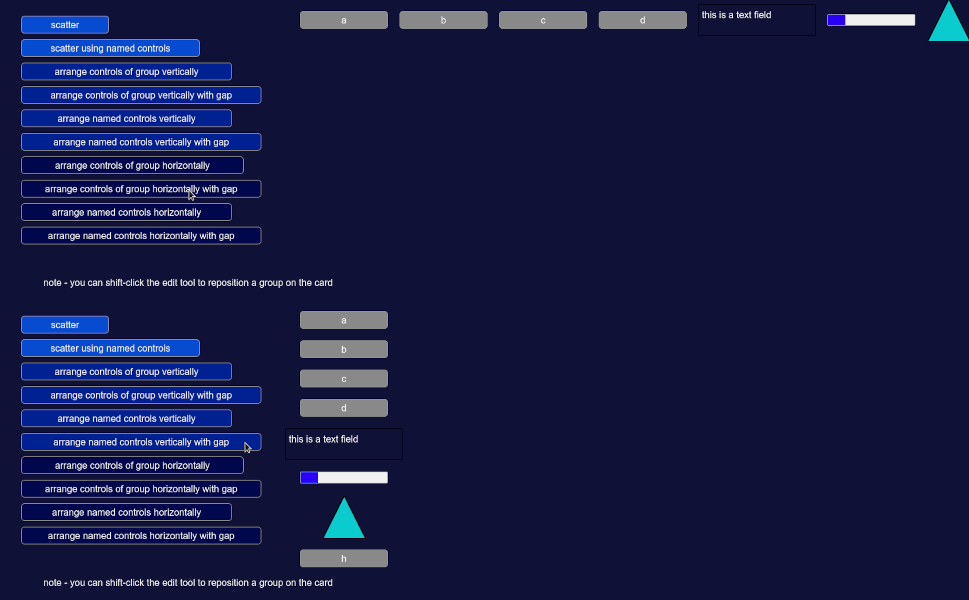 This is on page 156 of the documentation.
v253
I've added a new library which I've been working on over the last two weeks (between other things) 2DLibrary. The idea is this would mainly be used for games, and is intended as a helper library for that kind of usage.
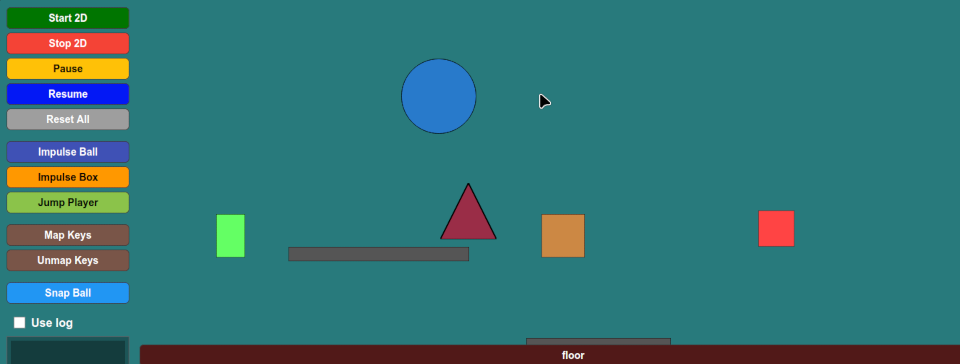 This is on page 158 and onward of the documentation. There's a lot to cover for those interested, but hopefully it all makes sense.
This was all added as an entirely new js library so that I could completely keep the parsing of all of this isolated from the main interpreter.
v254
In this version there's a lot of changes. I know I've said that before, but it is true. The main feature of this release is adding Sprite animation.
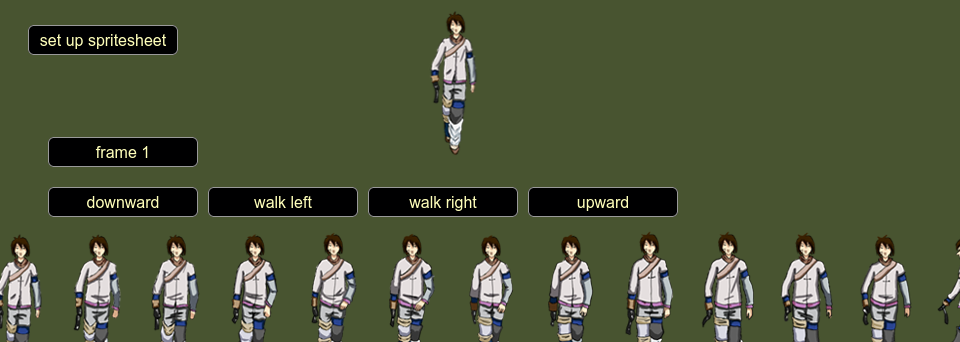
Again, this could be mainly used for games, but it can also be used to animate any image in a stack. Another example of this is for turning static scenes into interactive ones.
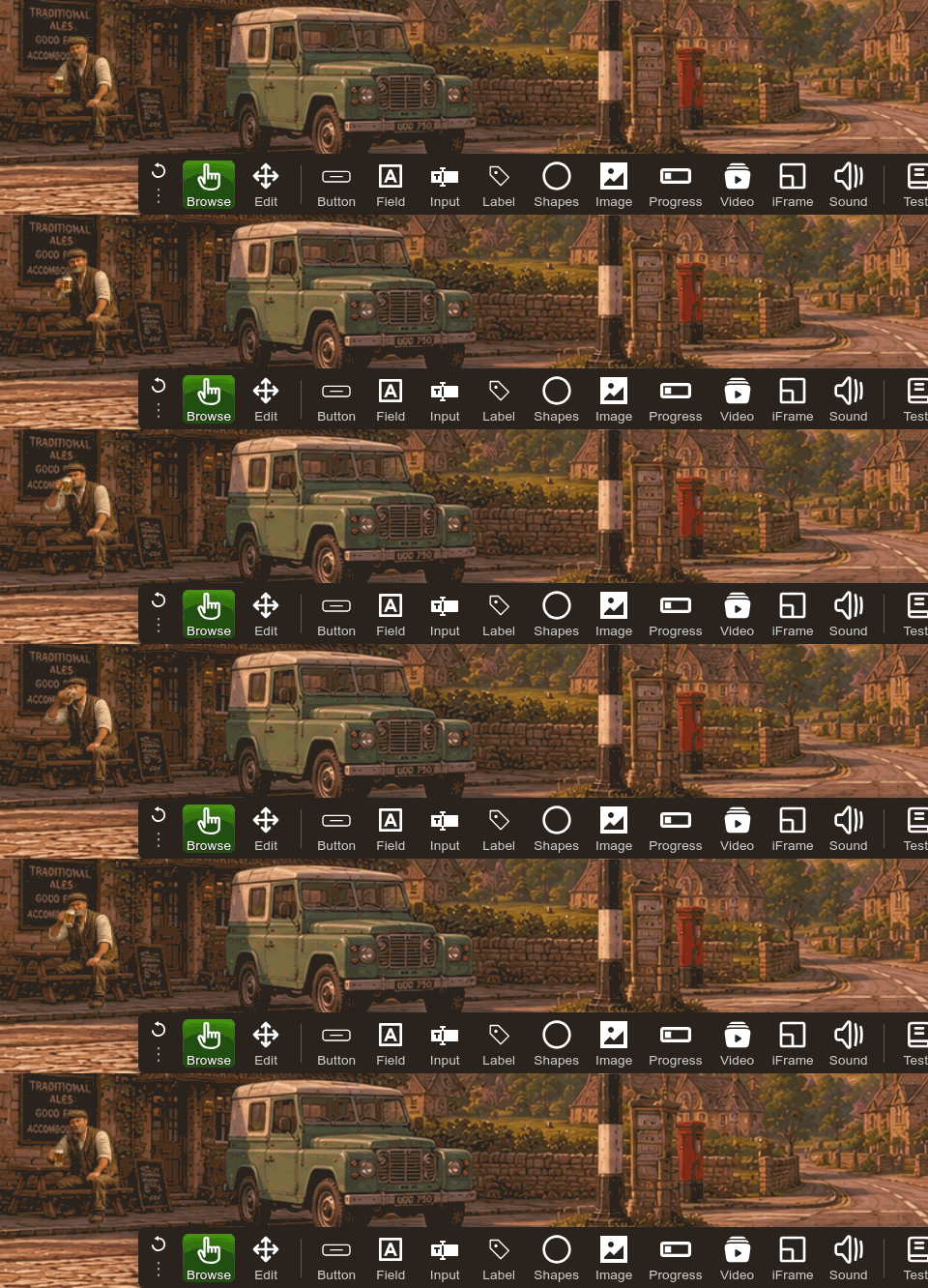
There's also been a few additional commands added, and bug fixes. This is detailed on page 161 and onward of the documentation. As before, there's a lot to cover here.
v255
Many changes, and you really should read the release notes to understand them all.
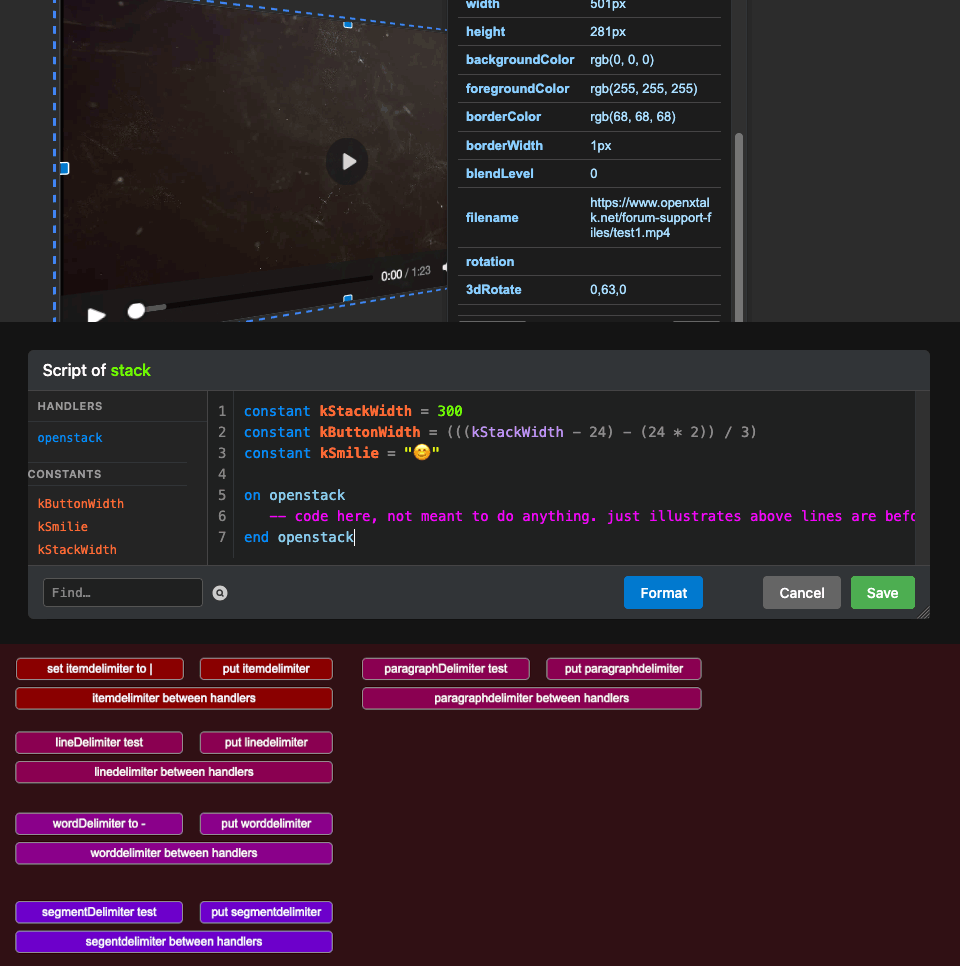
Changes to replace-regex, now supports 3d-rotated-video, changes to constants, matchtext uses case sensitivity, itemdelimiter demo 2.
v256
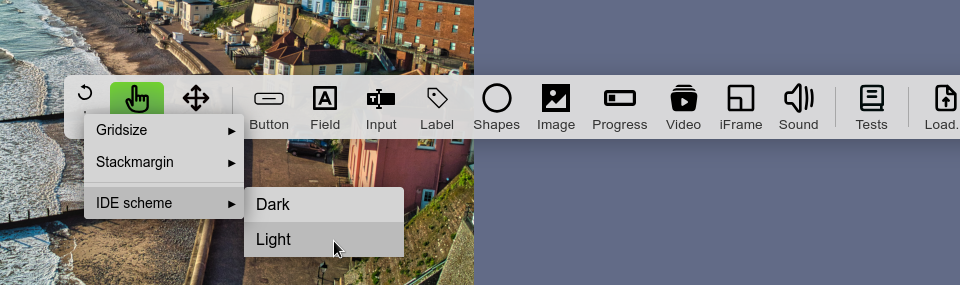
Quite a lot of changes and mostly bug fixes, please read the release notes page 171. Added the Brightness command for image objects, added the target, fixes to formatScript commands, added "light mode" (right-click the dots on the tools palette).
I also added symmetry painting (and paint commands, and a paint palette): brush-multiples, increased the wideMargin property to be a little...wider.
v257
Here is an overview of changes in version 257, release notes page 173.
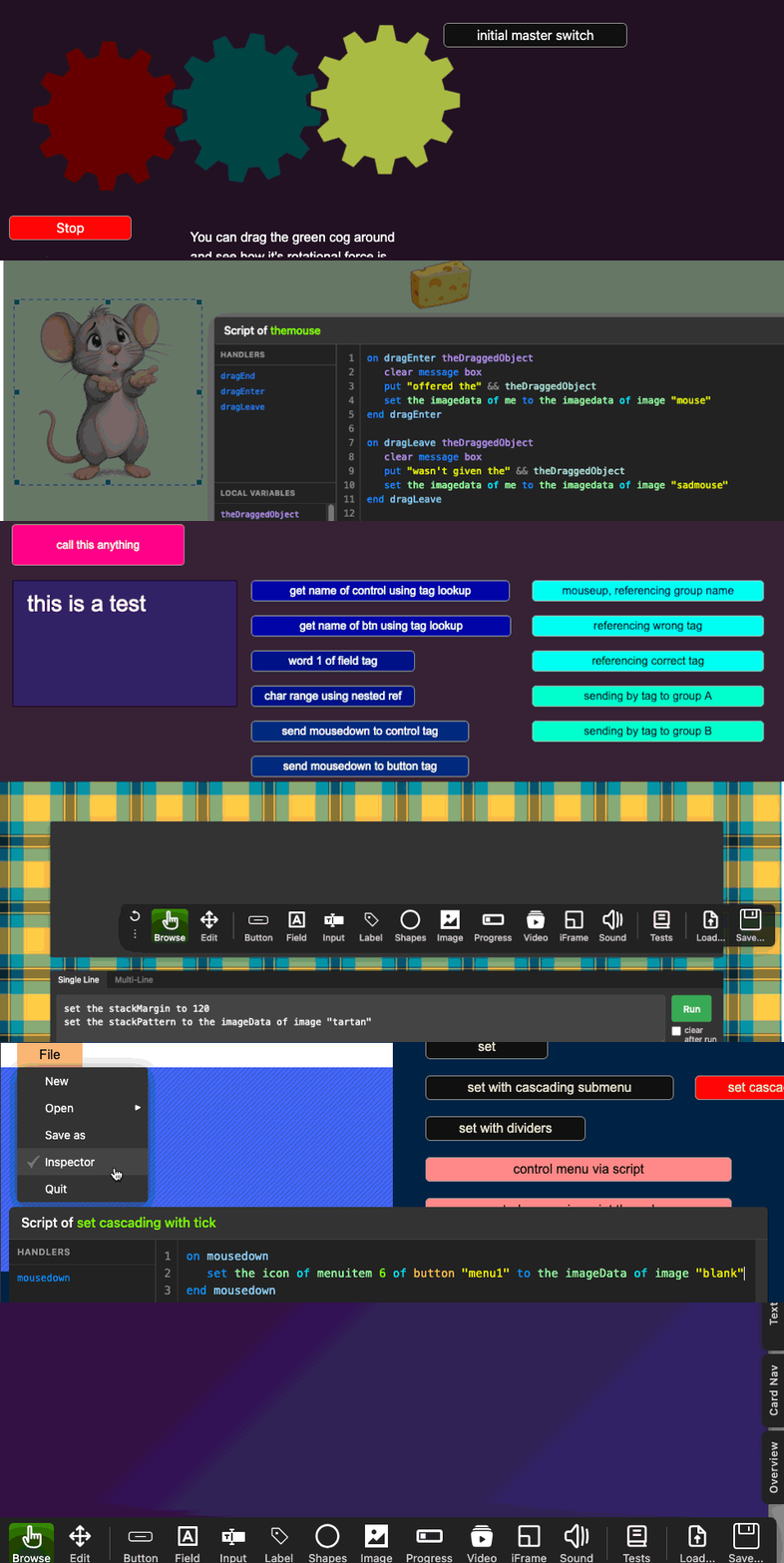
2DLibrary changes.
2DLibrary Gears (rotational force, resistance, load and torque).
card-pack (showing exporting of groups & masking).
charts in webtalk (bar, pie, 3Dpie, linegraph, doughnut, stackedbar, scatterplot).
drag and drop (drag the cheese to the mouse). Note the difference when you take it away without dropping.
grab relative
showName and groupBorder
Referencing by tag
TabWidths and TabStops
vScrollLine and clickLine
scroll field (custom scrollbar and scrollImage)
stackPattern
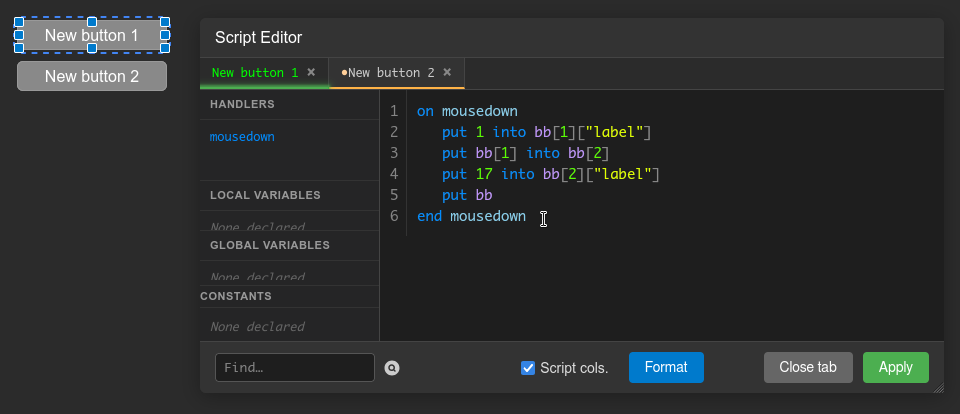
swap command demo.
menuItems with images
ink-modes (also implemented live, in inspector)
v258
In this version, I've been changing the script editor. Please see the release notes to understand the changes.
v259
This all starts on page 179 of the documentation.
3D-canvas
3D-texture-cone
3D-texture-sphere
3D-texture-square
scrollbars-3
sorting/dragging (using grab [target control])
In this 3D wood tower glb-loading stack, I use this Wood_Tower.glb which came from here.
v260
In this version, I've implemented lots of bug fixes.
repeats-and-such
chunk-expression
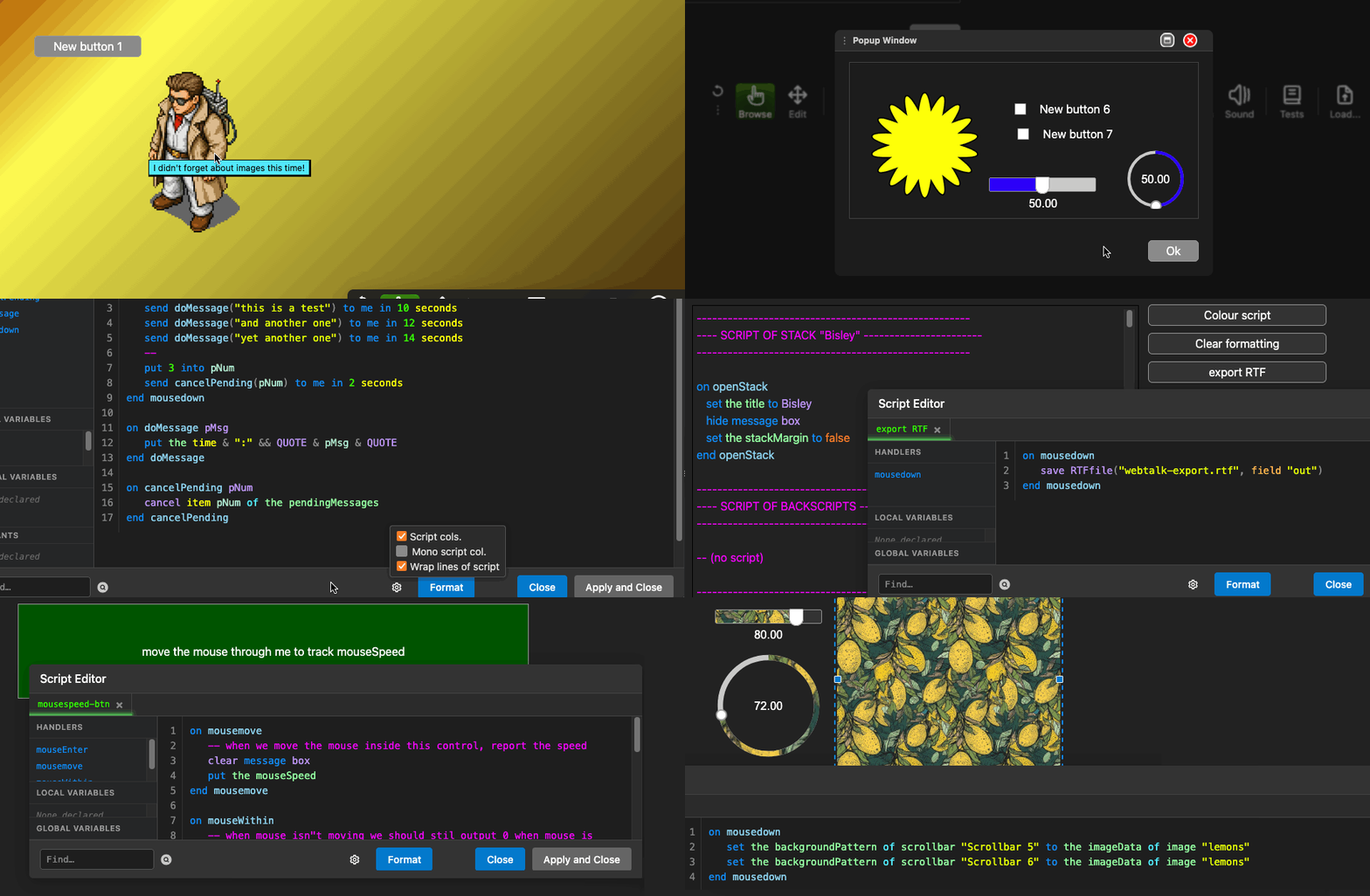
New goodies:
tooltips
custom-windows2
cancel-pendingmessages
export-rtf
mousespeed
scrollbars-4
setimage-exif and here's the iptc-test.jpg file I use in that stack.
timer-test
Documentation for this version begins on page 183.